The Problem
Embossing needed to be clearly linked to a specific main product and represented as a separate line for operational handling, production and packing documents without breaking pricing or order structure in cart and checkout. If embossing was stored only as a text field on the main product, it was difficult for the fulfillment team to see, on printed documents, which embossing belonged to which item.
The Solution
We implemented embossing as a separate product that's added to the cart alongside the main product.
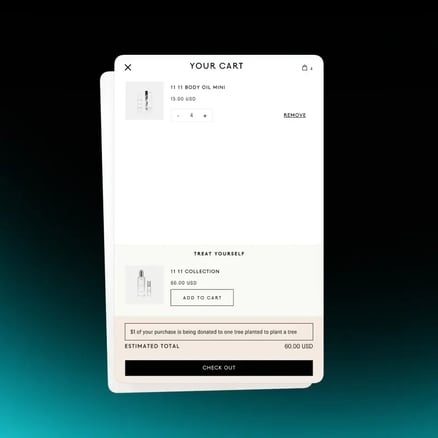
On the main product, line item properties store the embossing text and color. A Shopify Function (cart-transform) updates the embossing product's title in the cart by including the name of the associated main product, so in the cart and Cart Drawer, embossing appears as its own line item with a clear link to the product it belongs to. The quantity selector on the embossing line is present but disabled, so it can't be edited independently of the main product.
Why It Mattered
On packing slips and printed documents, the team can now immediately see which embossing belongs to which main product, reducing errors in personalization and production. Customer-facing UX stays clean while operations get a clear, unambiguous mapping between embossing and the item it customizes.
Technical Details
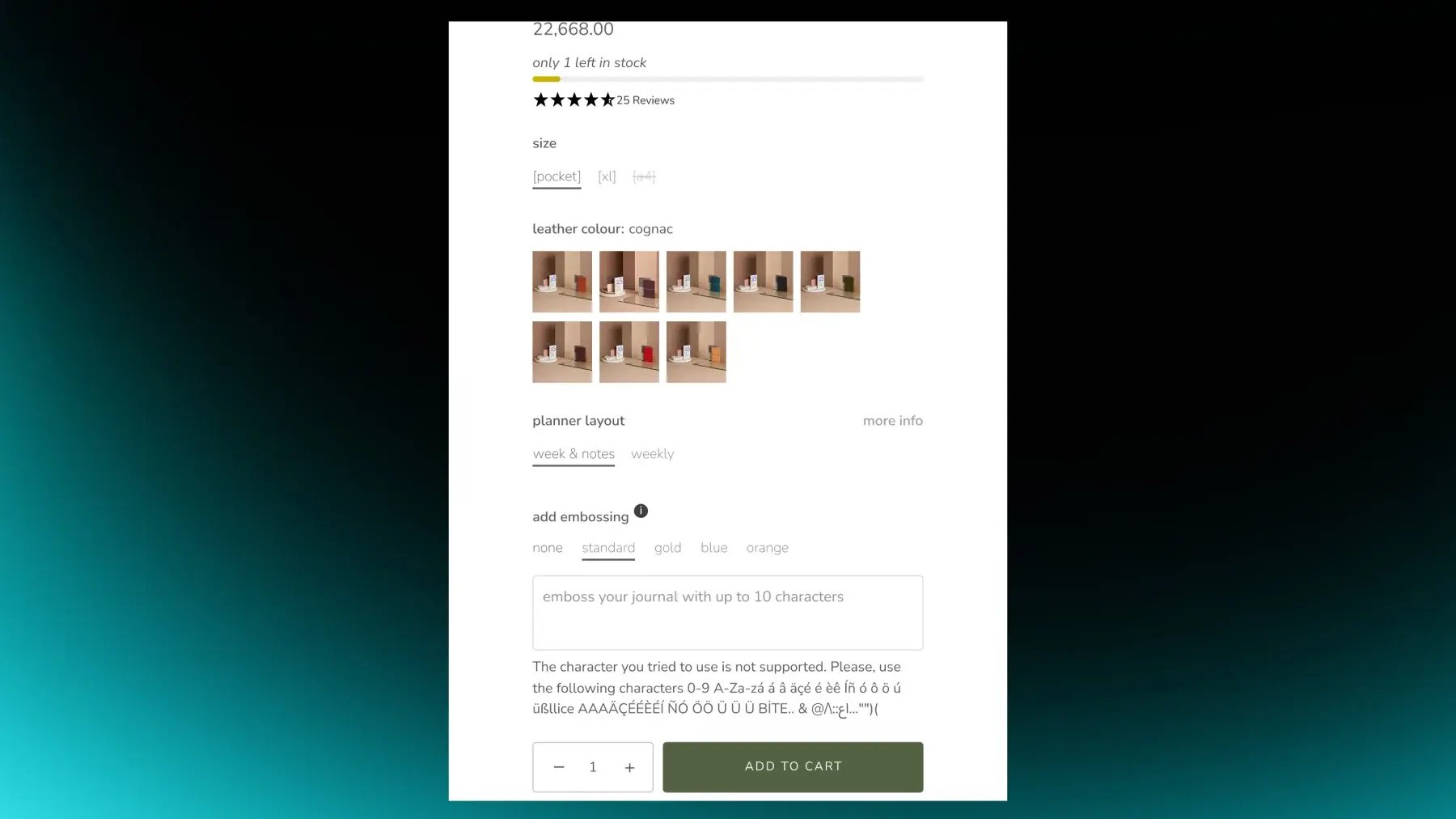
The main product stores embossing text and color in line item properties and is configured via product metafields for embossing rules, placeholders, character limits, popup content, and color options. Character limit validation runs at both product and variant levels, with specific limits managed through metafields.
Real-time validation via JavaScript disables the Add to Cart button on invalid input and shows a custom error message. The embossing product is added as a separate line when embossing is enabled, and its title is modified by a cart-transform function to include the main product name. The Cart Drawer shows the embossing line with a disabled quantity selector and no standalone "Remove" keeping the relationship controlled through the main product.
.png?width=500&height=250&name=GWA%20Logo%20(1).png)