The Problem
After adding a main product to the cart, customers weren't clearly prompted with simple, compatible accessories. If they wanted a tie or pocket square to match their suit, they had to go back to browsing, find the right category, and pick an item manually. Most people skipped that extra effort, leaving potential value and a more complete outfit on the table.
The Solution
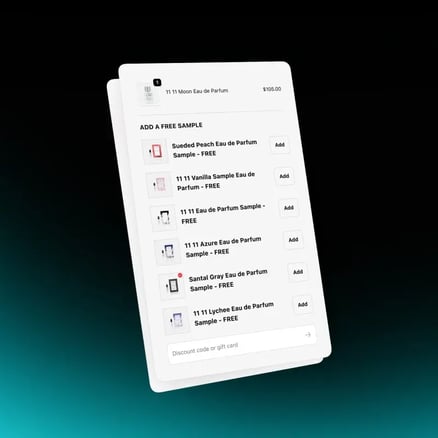
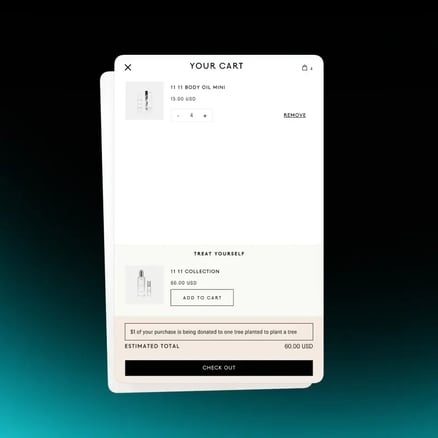
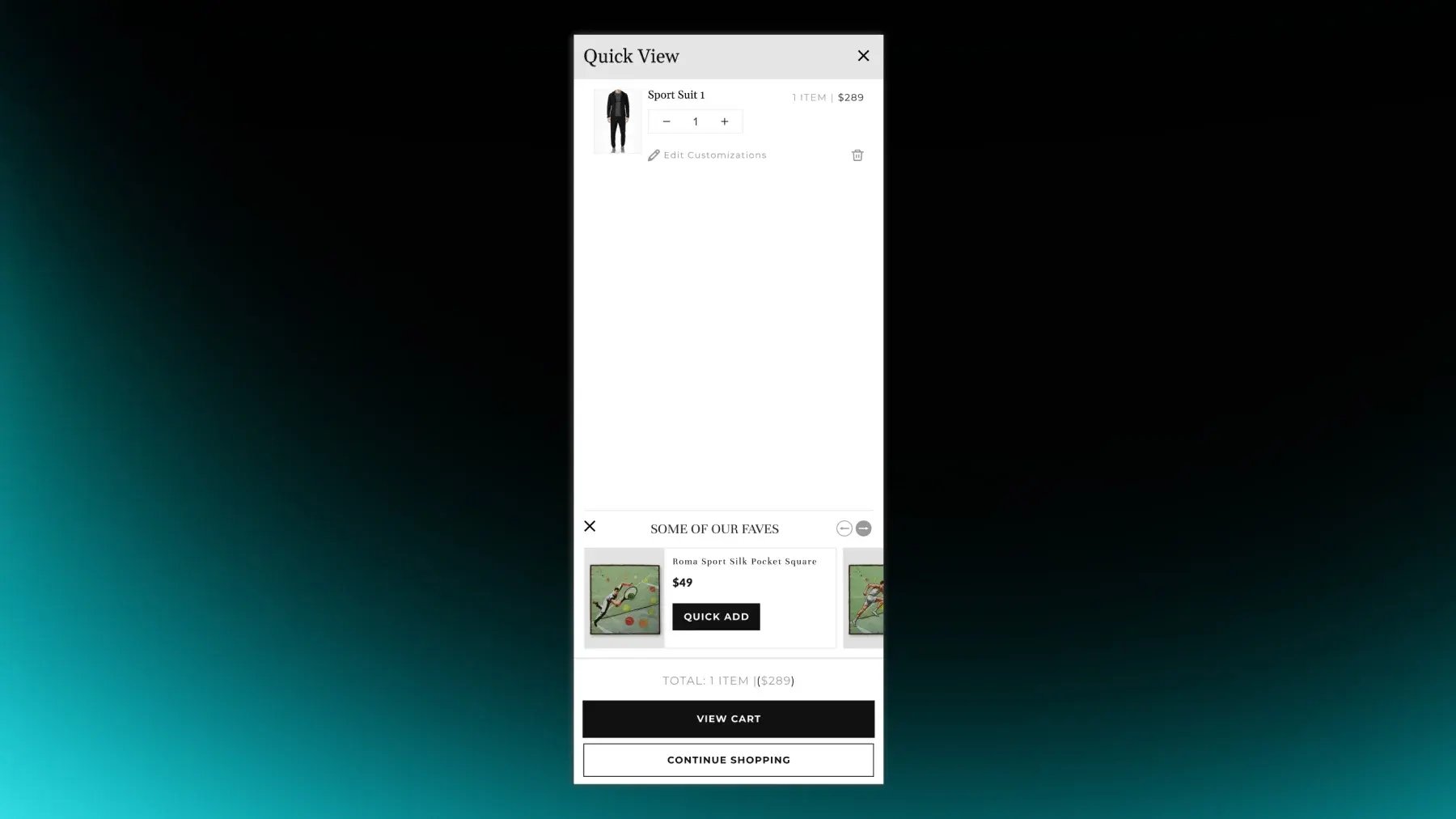
We added an accessory-focused One-Click Upsell carousel inside the cart experience. When the cart drawer is open, customers see a horizontal carousel of curated accessories that pair well with typical purchases. Each card includes a Quick Add button, so customers can add the item in one click without leaving the cart. If an accessory has variants, the flow either adds the default option or opens a minimal selector, always keeping the interaction lightweight.
Why It Mattered
The carousel makes it effortless for customers to complete their look with relevant accessories exactly when they're reviewing their order. That increases attach rate for small add-ons, supports higher AOV, and creates a more polished "complete outfit" experience without forcing the shopper to navigate away from the cart.
Technical Details
Built as a horizontal carousel component rendered inside the cart drawer or cart section. The list of products is defined by selecting an Upsell collection in the theme settings. Liquid and JavaScript load only in-stock accessories, and the Quick Add action uses Shopify AJAX cart APIs to add the item to the current cart without page reload. The cart drawer updates in place to reflect the new line item and subtotal.
.png?width=500&height=250&name=GWA%20Logo%20(1).png)